Keep site visitors up-to-date and engaged with the brand-new Google calendar widget. It’s a great way to show your client’s upcoming events, workshops, seminars and more. The widget provides a seamless integration with public Google calendars, enabling you to customize it as you customize all Duda widgets.

Simply connect the widget to a Google public calendar and customize how it looks directly from the platform. The calendar looks great on mobile, which is really important when you consider how many people check calendars and schedules on the go.


Calendars are a perfect addition to so many types of sites:


  • Entertainment venues: Tourist attractions, zoos, concert venues and art exhibits – adding a calendar to these sites enables site visitors to see upcoming events at a glance.
  • Schools: Help students, educators and parents by posting the school calendar directly on the school site. It’s a great incentive for visitors to bookmark the site.
  • Nonprofits: Using a calendar to display fundraisers, special events and more is a great tool for promoting events.
  • Gyms & community centers: Post upcoming classes that can be viewed at a glance. Add a contact form immediately below so visitors can sign up for a class.
  • Restaurants: Post daily and weekly specials, holiday meals and more. Add an OpenTable widget on the same page, making it easy for visitors to make reservations.


Customizing the widget

All the content for this widget comes from Google calendar you select, so that’s where you’ll go to set events. For more on setting up a public Google calendar, read this.


As for the calendar’s style, this is customized entirely in the Duda platform. You can set the color, font and style for the month and days of the week. When users click on a specific day, an event popup is displayed showing all the events scheduled for that day.

May 27, 2019
Roni Landau

 • 

Google Calendar Widget - Engage Visitors at a Glance

Stay in the Loop with Duda Updates

Sign up to get feature releases, tools, and more to your inbox.

Latest product updates

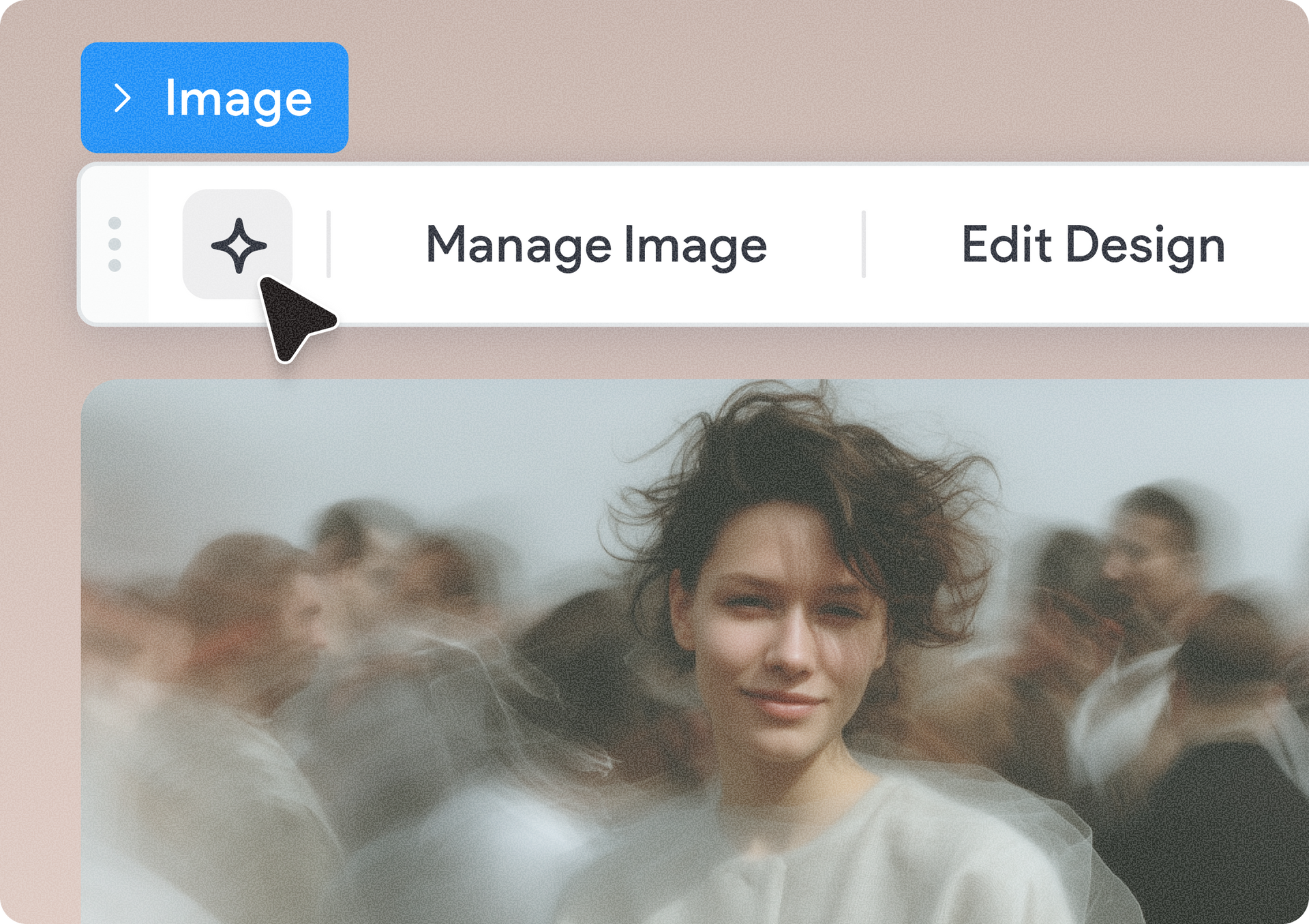
Hand cursor hovering over an image toolbar above a blurred portrait photo
By Yanir Moskovitz June 4, 2026
Discover a new AI-powered image generation capability built directly into the Duda editor.
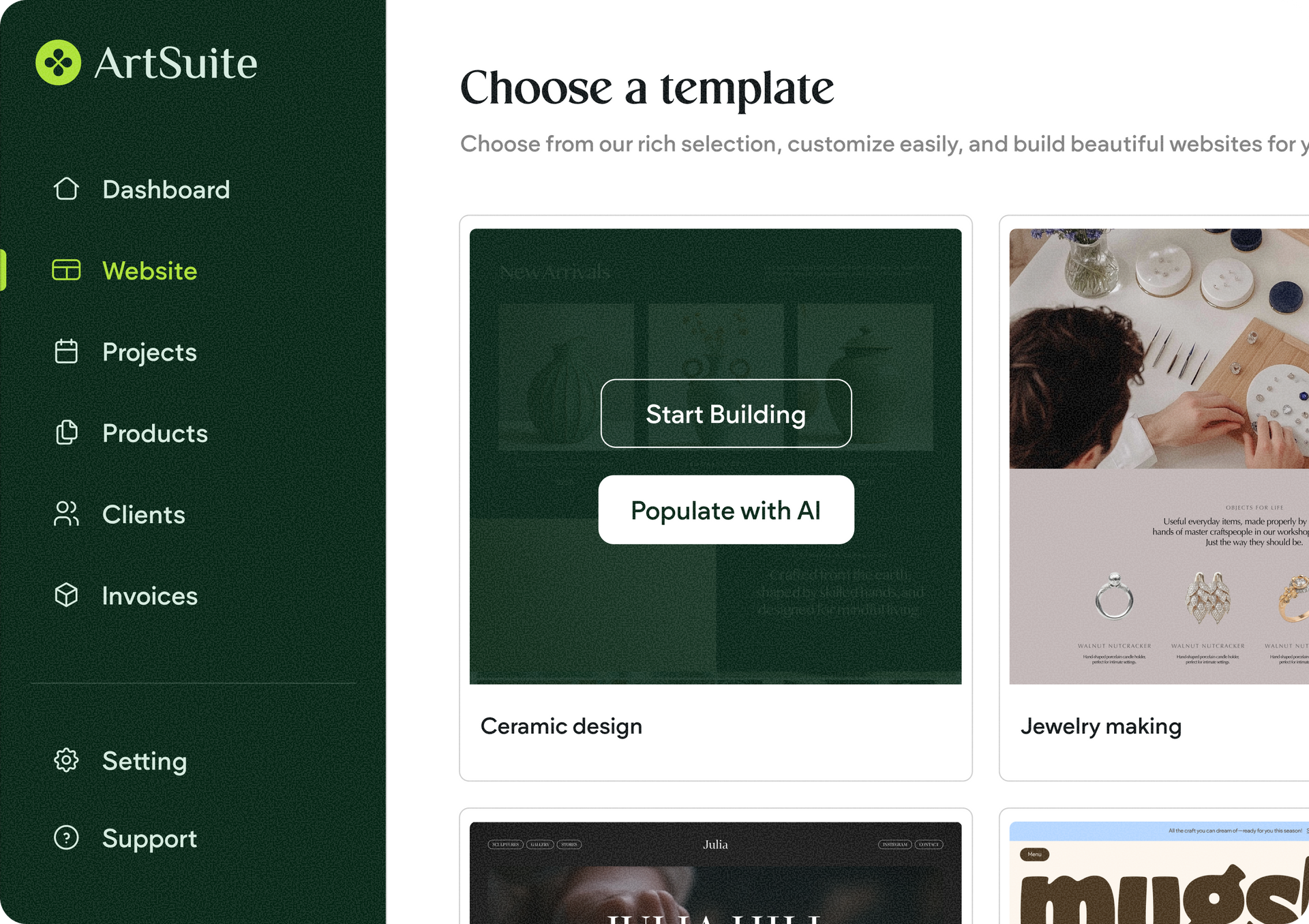
ArtSuite dashboard on “Choose a template” page with green sidebar and template cards
By Avigayil Lewin June 2, 2026
Site generation with AI is now smoother, smarter, and more flexible.
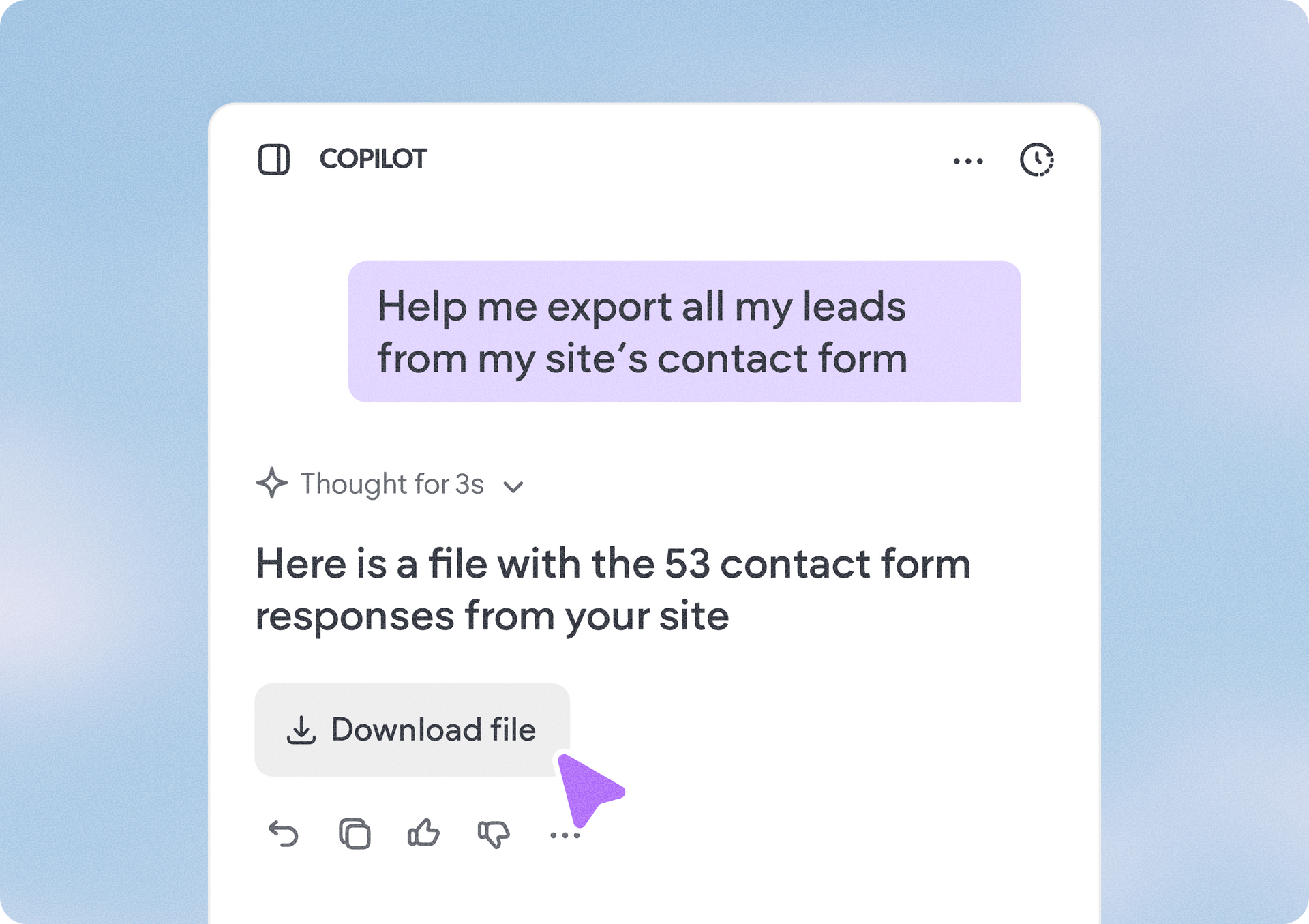
ChatGPT chat showing a reply that says 53 contact form responses are ready to download.
By Annat Katz June 1, 2026
Export Copilot data into a downloadable file, spot blog posts with missing SEO tags, and more updates to discover.