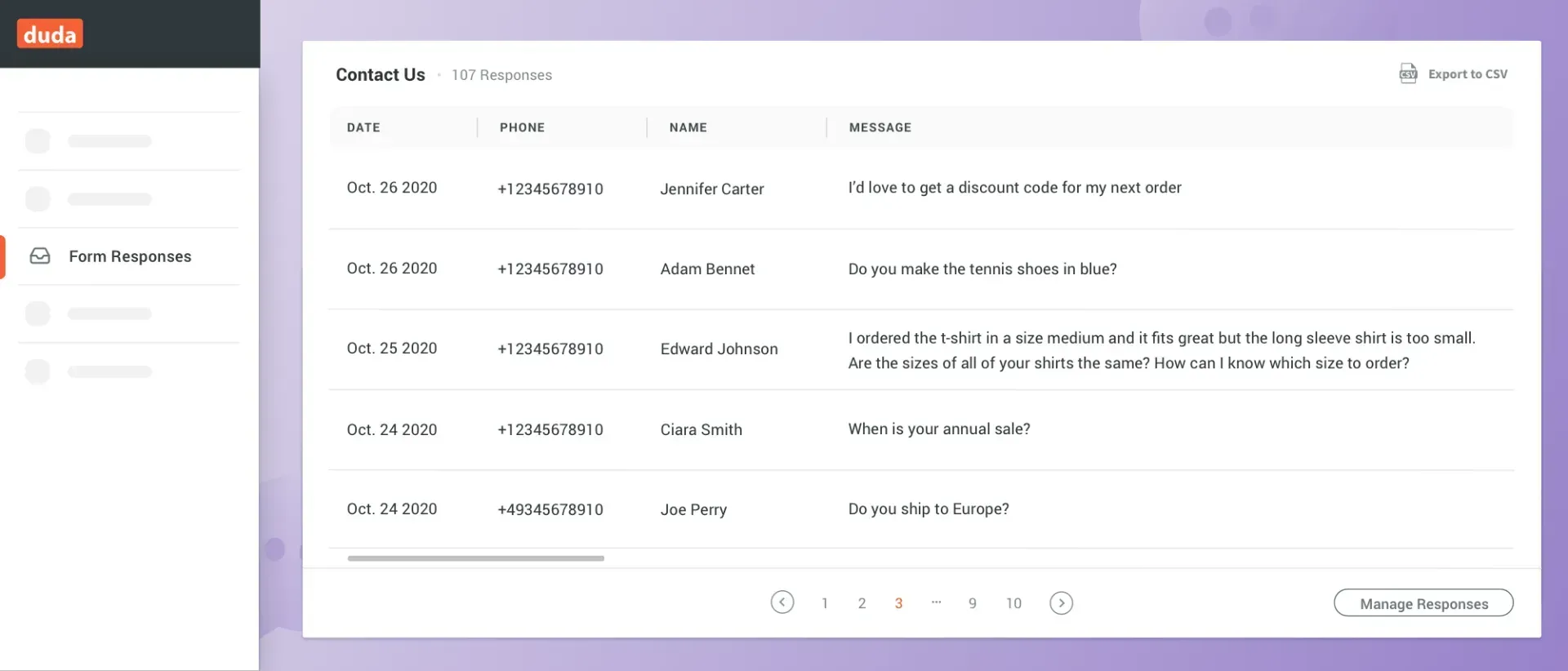
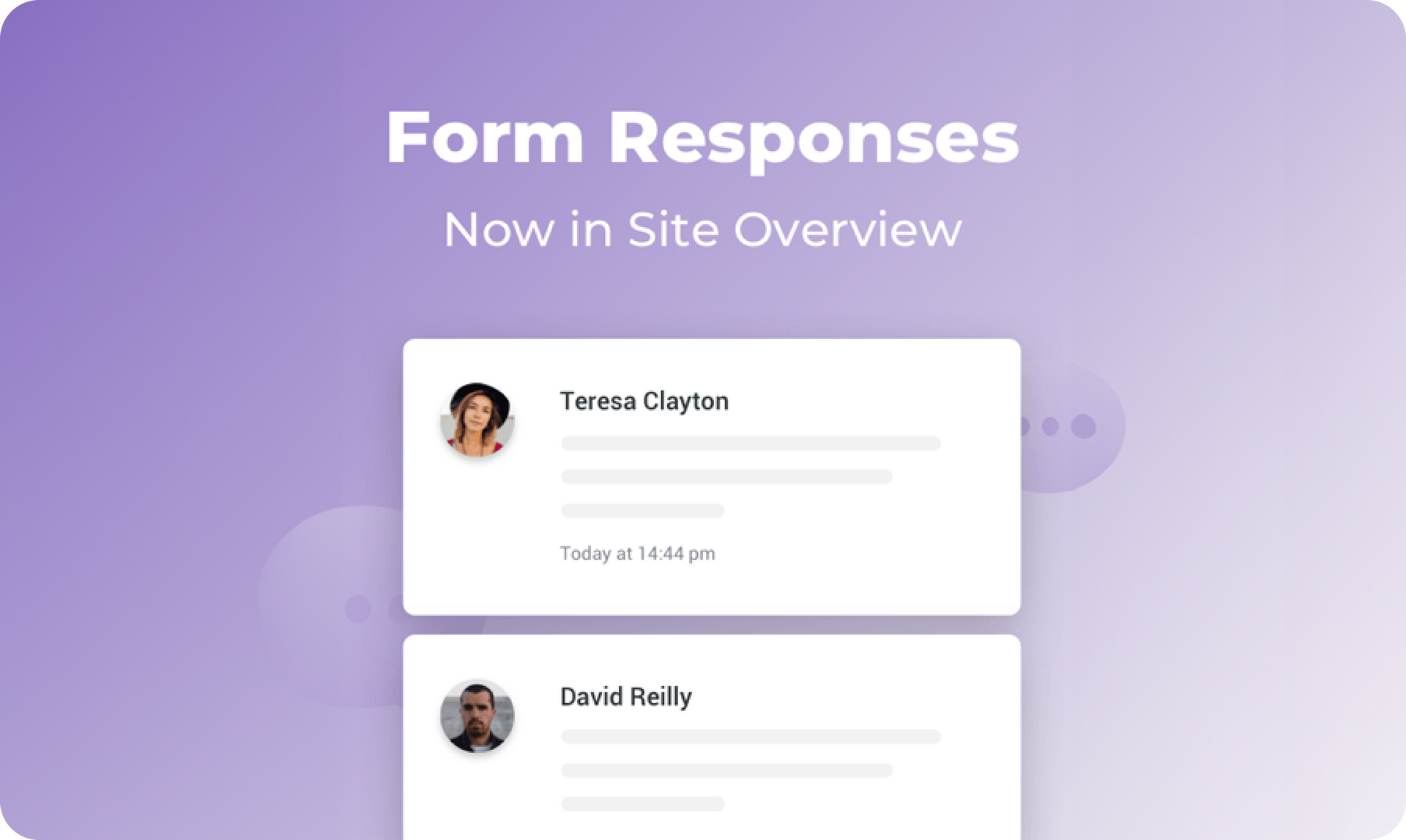
You can now track form responses directly in your Site Overview, so you’ve got more insight into what’s happening with your sites at a glance. This card allows you and your clients to see who is responding to their site forms, and how many responses the forms are getting.

Easier to access and stay up-to-date


Forms are a great way to collect information from site visitors. In addition to getting the results by email, having results in your Site Overview makes them visible at a glance.


Have multiple forms on your site? Great. You’ll be able to track all of them from Site Overview via the dropdown menu in the card. You can also export responses directly from the card.


For more on Site Overview, see this.


What else would you like to see in Site Overview? 


Please let us know in the form below.

January 25, 2021
Avigayil Lewin

 • 

Form Responses: Now in Site Overview

Stay in the Loop with Duda Updates

Sign up to get feature releases, tools, and more to your inbox.

Latest product updates

Website editor showing a “Private Tennis Class” page with a tennis-court photo on the right.
By Yanir Moskovitz May 12, 2026
Discover a new way to update dynamic content without leaving your design environment.
Whiteboard app with a sticky note prompt and a dropdown menu open for text style options
By Annat Katz May 6, 2026
A new plan mode in Copilot for generating widgets, Dynamic Repeater layout settings, stunning new templates, and more.
A product display of four different types of cookies against a light background, with navigation buttons at the top.
By Tal Levi April 30, 2026
Discover a new way to turn ideas into fully functional widgets in real time, right on the canvas.