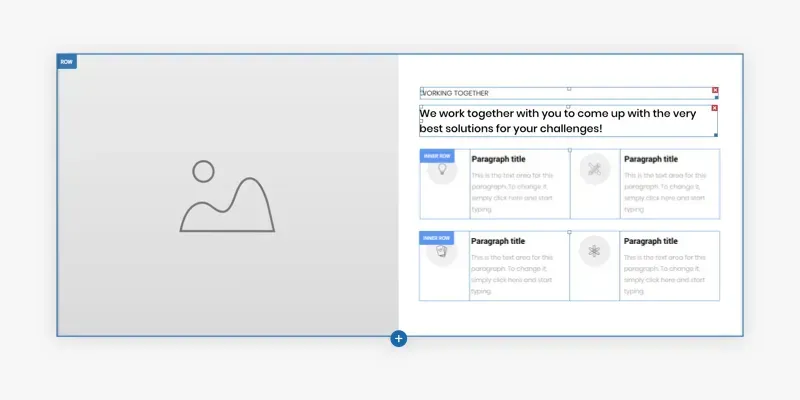
Inner row is a new design option that expands your layout flexibility and allows you to create richer, more complex sites by adding rows within rows. It increases your horizontal design possibilities, so you can create more layouts and designs, simply and quickly.
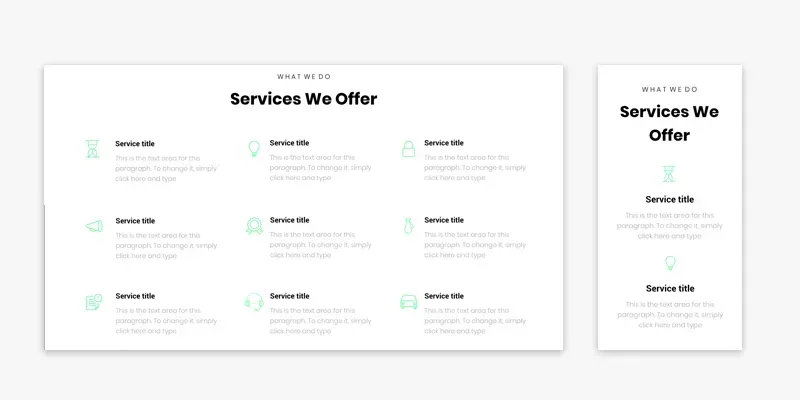
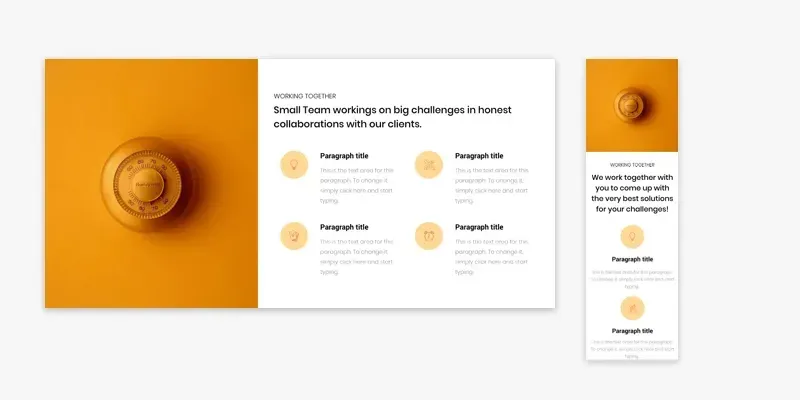
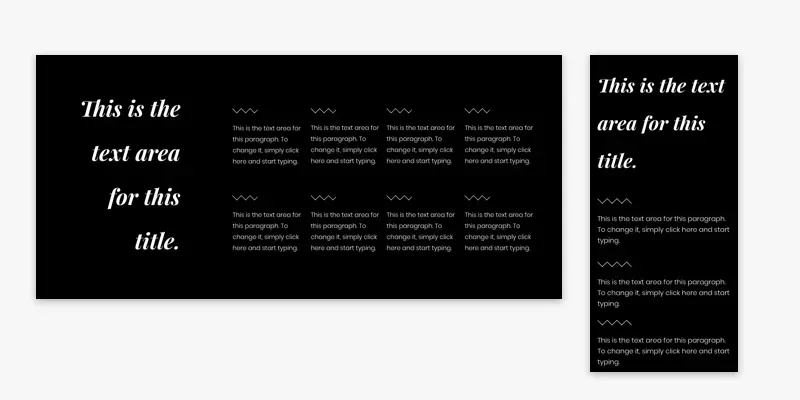
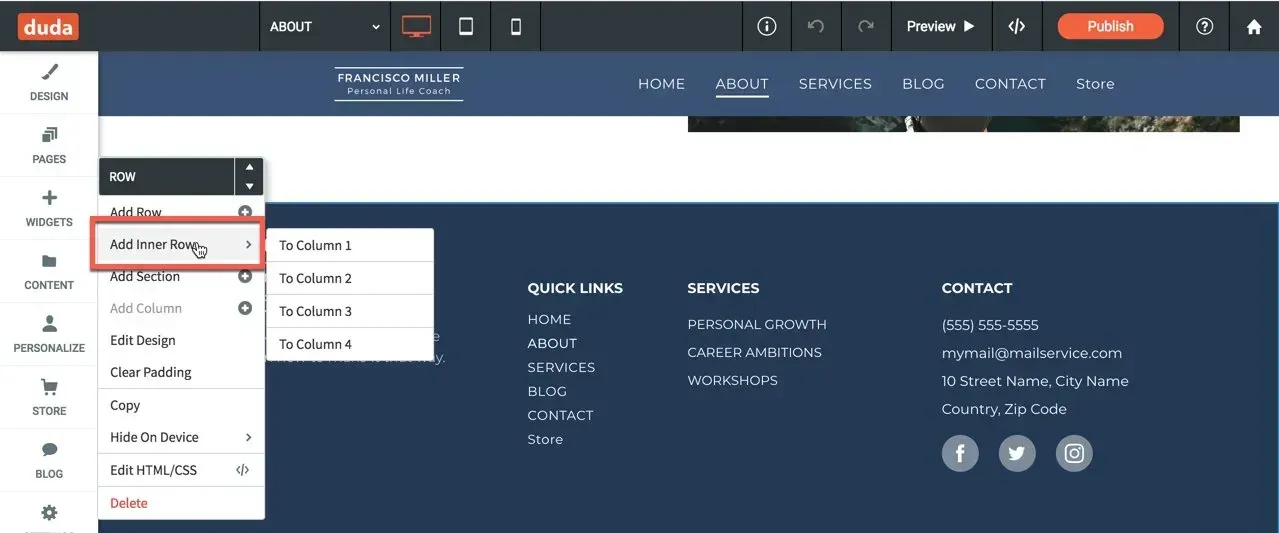
Inner row is like any other row with only one difference - it can be inside a column. Add an inner row from any row or column context menu.You can divide inner rows into up to four columns, and add to them any element that you want. Think multi-column service pages . Think complex hero image . Think multiple columns with icons and text .To give you an idea of the possibilities, scroll down to see stunning examples along with simple instructions for recreating these rows in your sites.
These are just a few examples of how you can use the inner row to make your sites more sophisticated.
Soon, you’ll find these examples and more in various Section categories in the editor.
To explore this new capability on your own, open the context menu of any row or column. Choose Add Inner Row and a two-column row will be added within the existing row or column.
•

Sign up to get feature releases, tools, and more to your inbox.