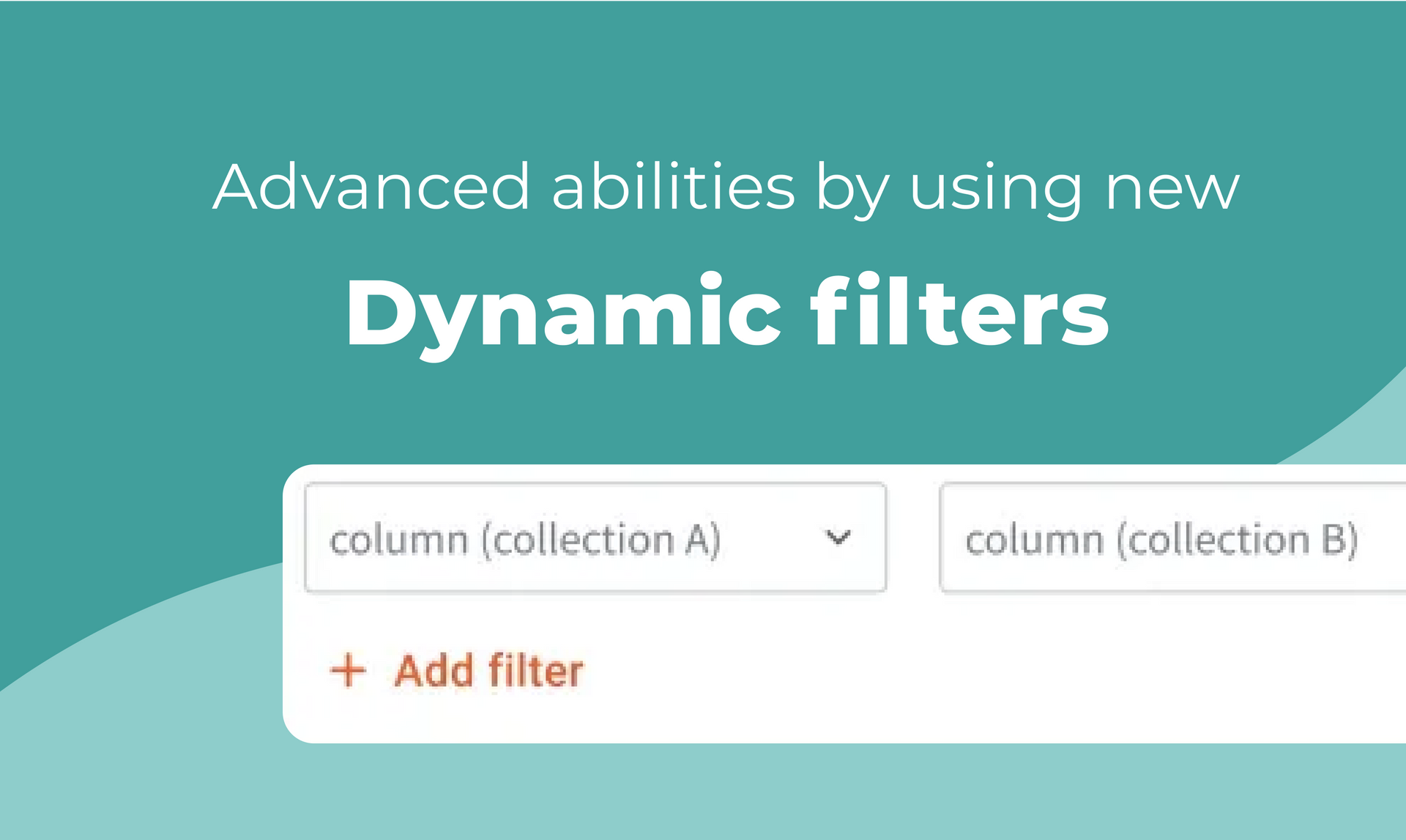
What’s a dynamic filter, anyway?
Dynamic pages are ideal for building websites with content that’s based on databases, and need to show specific categories as separate pages in the site. Dynamic pages are based on collections (or datasets) you add to the site (under the Content Library).
Dynamic filtering lets you filter one big comprehensive dataset that has lots of details and attributes, to show specific content on separate site pages - depending on your client’s needs. This means you can display only relevant content (collection rows) in a collection-connected widget found on a dynamic page. For example, let’s say you built a
website for a fitness studio that includes dedicated pages for yoga, pilates, and core fitness classes, respectively.
With a dynamic filter, you can show only the pilates class schedule on the pilates site page, only the yoga class schedule on the yoga page, and so on - without constantly updating or maintaining those pages or their collections manually.
One filtering tool, virtually endless possibilities
You can apply the dynamic filter to every collection-supported widget you add to dynamic pages. This includes gallery, table, list, accordion, and slider widgets, in addition to custom widgets. The dynamic filter can be found in the
Sort
& Filter tab when connecting a widget to a collection (for example when connecting a List widget).