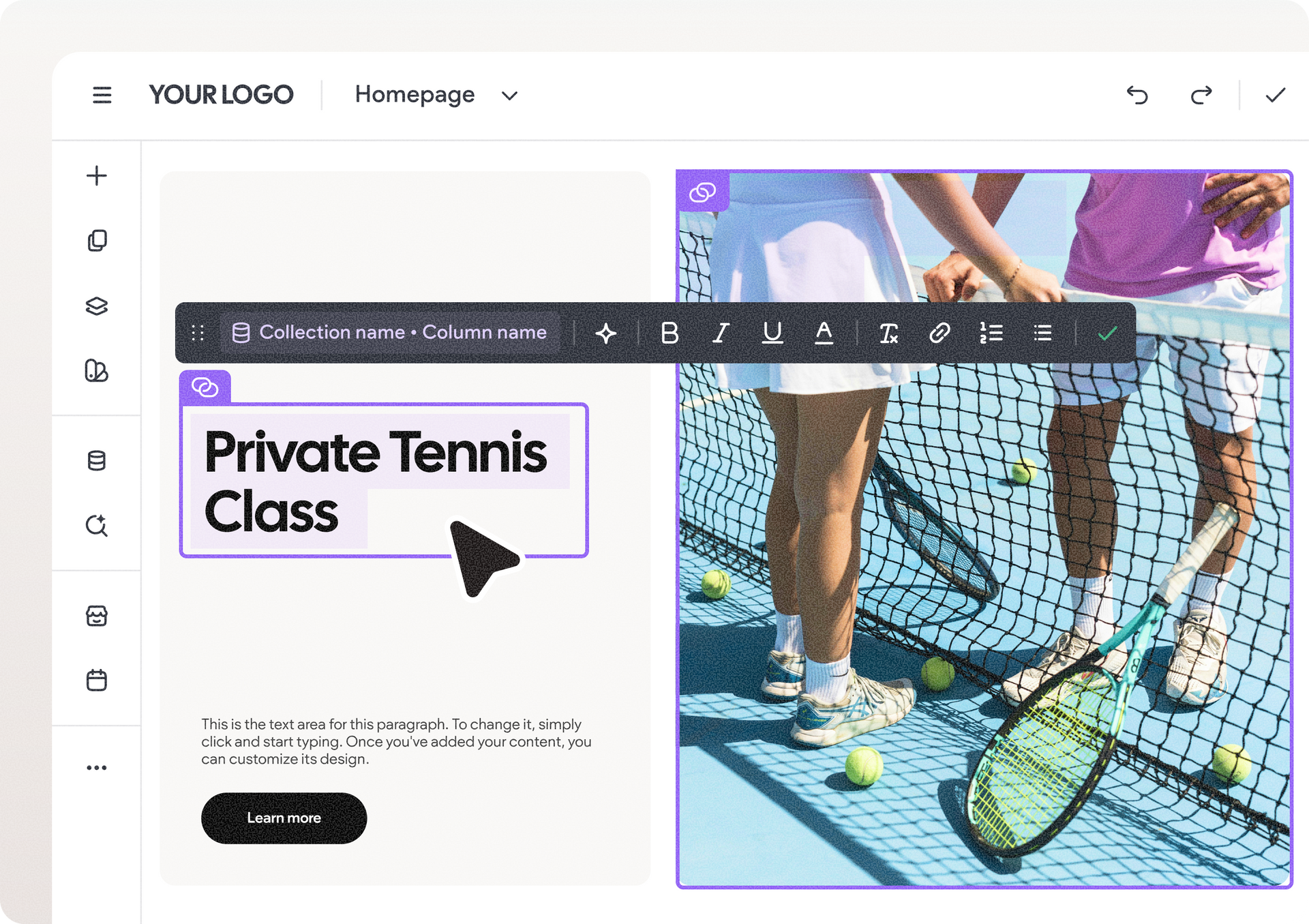
DudaFlex is the next-generation editing capability that enables you to build gorgeous, pixel-perfect sites, quickly and easily. To add DudaFlex to your site, simply click to add a new section and then choose a DudaFlex section.
Add DudaFlex to Your Blog Post Layout
Duda’s blog is built from a single layout that is used for every blog post. This is good for SEO and blog management, and provides a great user experience. It also means that when you change the layout post design, all posts are automatically updated.
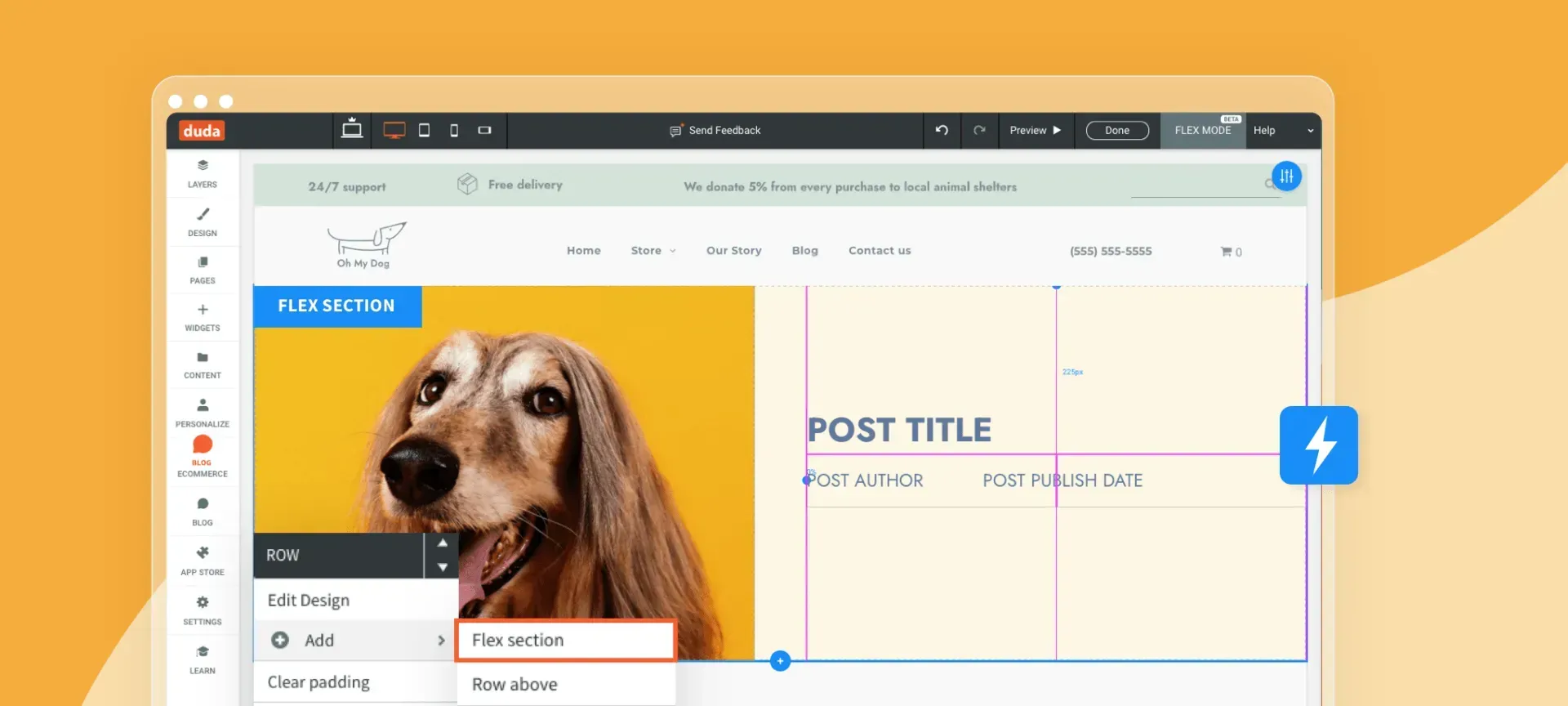
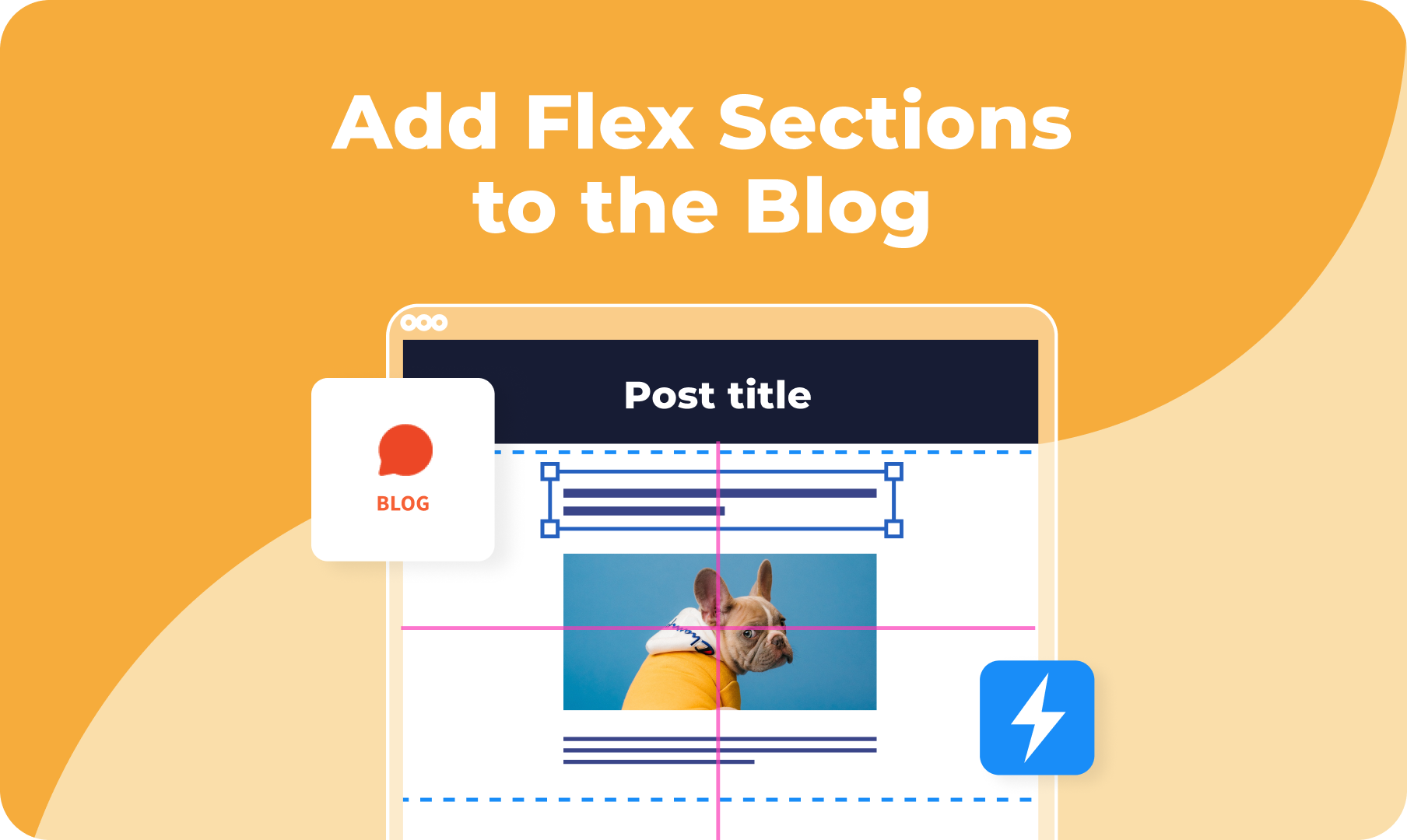
Now you can add Flex sections to your blog post layout, bringing all the design creativity and flexibility of Flex to your post design. In the site editor, click Blog in the right panel. (If your site doesn’t have a blog yet, this will add one right away.)
Click Edit Layout to open the Layout Mode. Once you’re here, add a DudaFlex section anywhere you like, customizing it as you do in the rest of the site. For example, you can add Flex to the header of the post, the area visitors see first when they open a post. If you do add Flex to the header, make sure you
reconnect the title, author and post image to the post settings.
When you’re ready, click Save. The new post layout will appear in all site posts: current and future.
Haven't Taken the Duda U DudaFlex course, yet?
Now’s the time to take it! The
Duda U DudaFlex course is free, on-demand, and sure to improve your DudaFlex skills in no time!