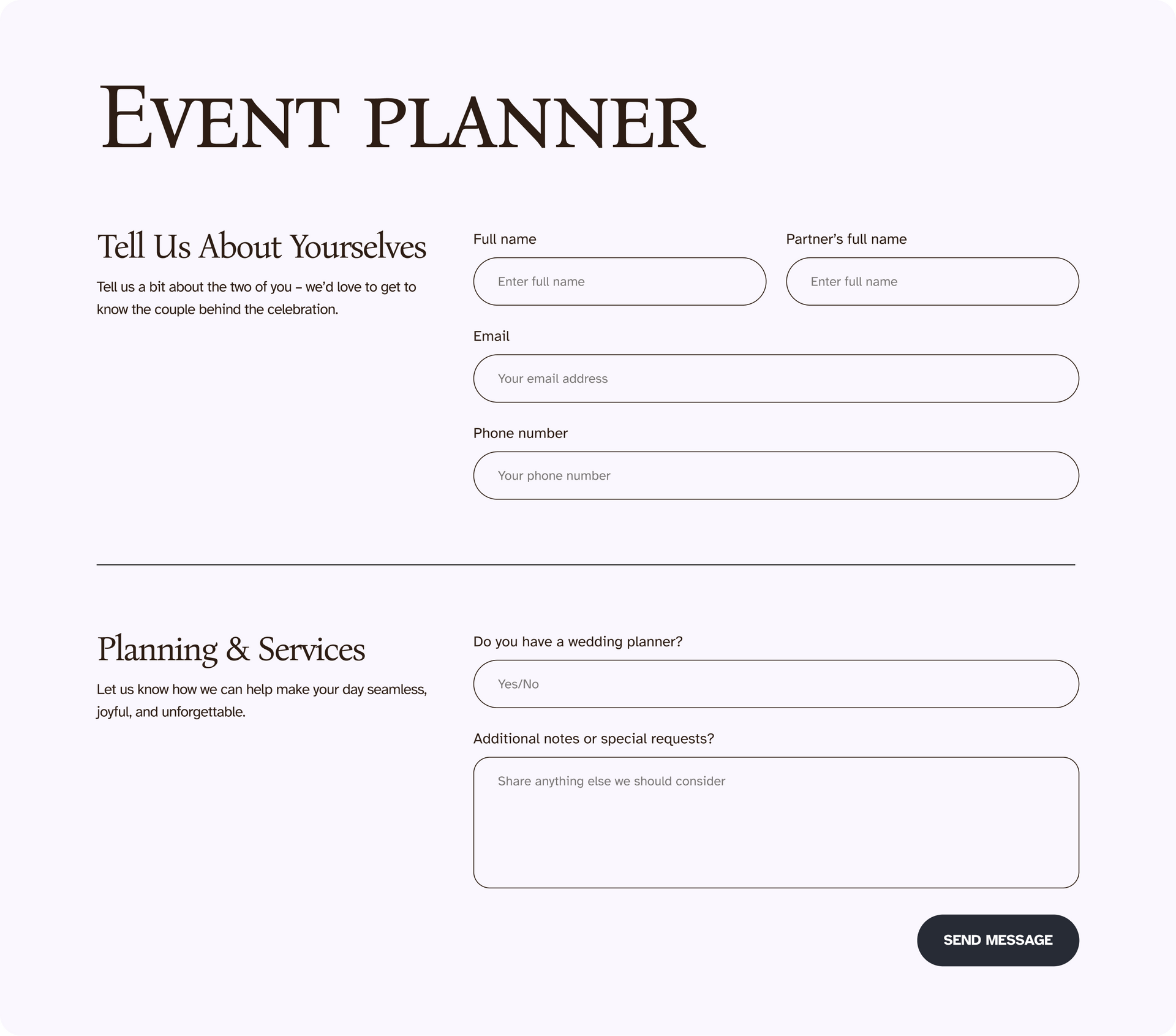
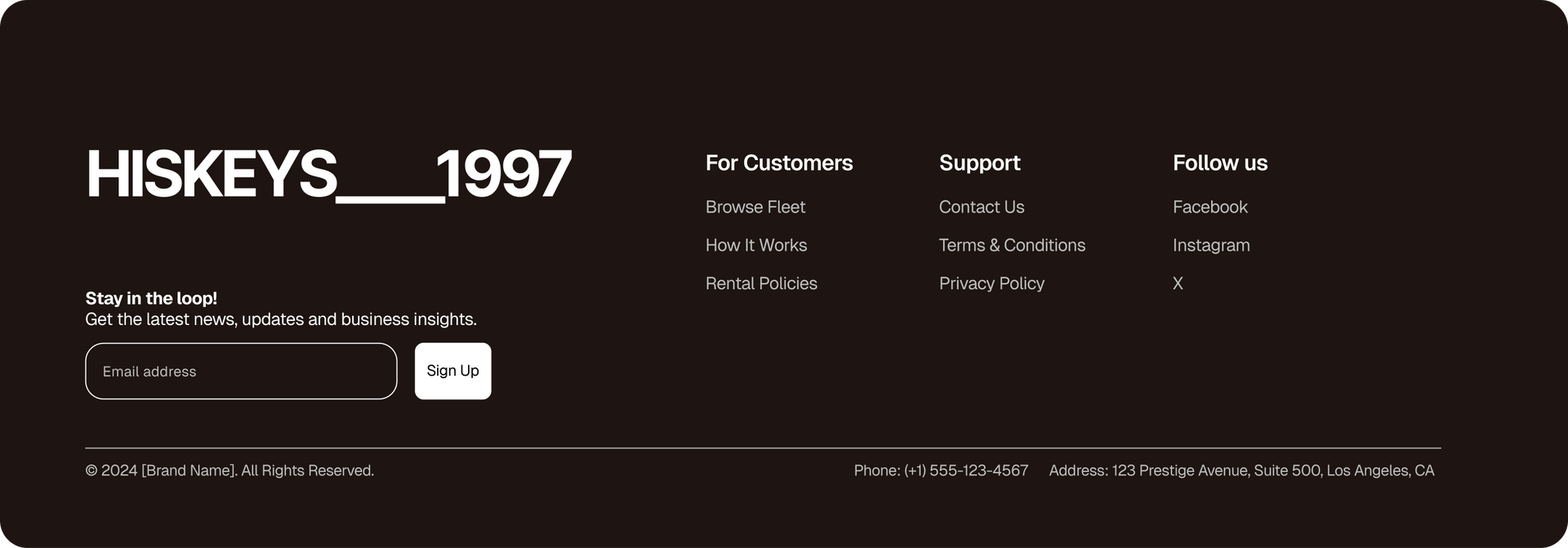
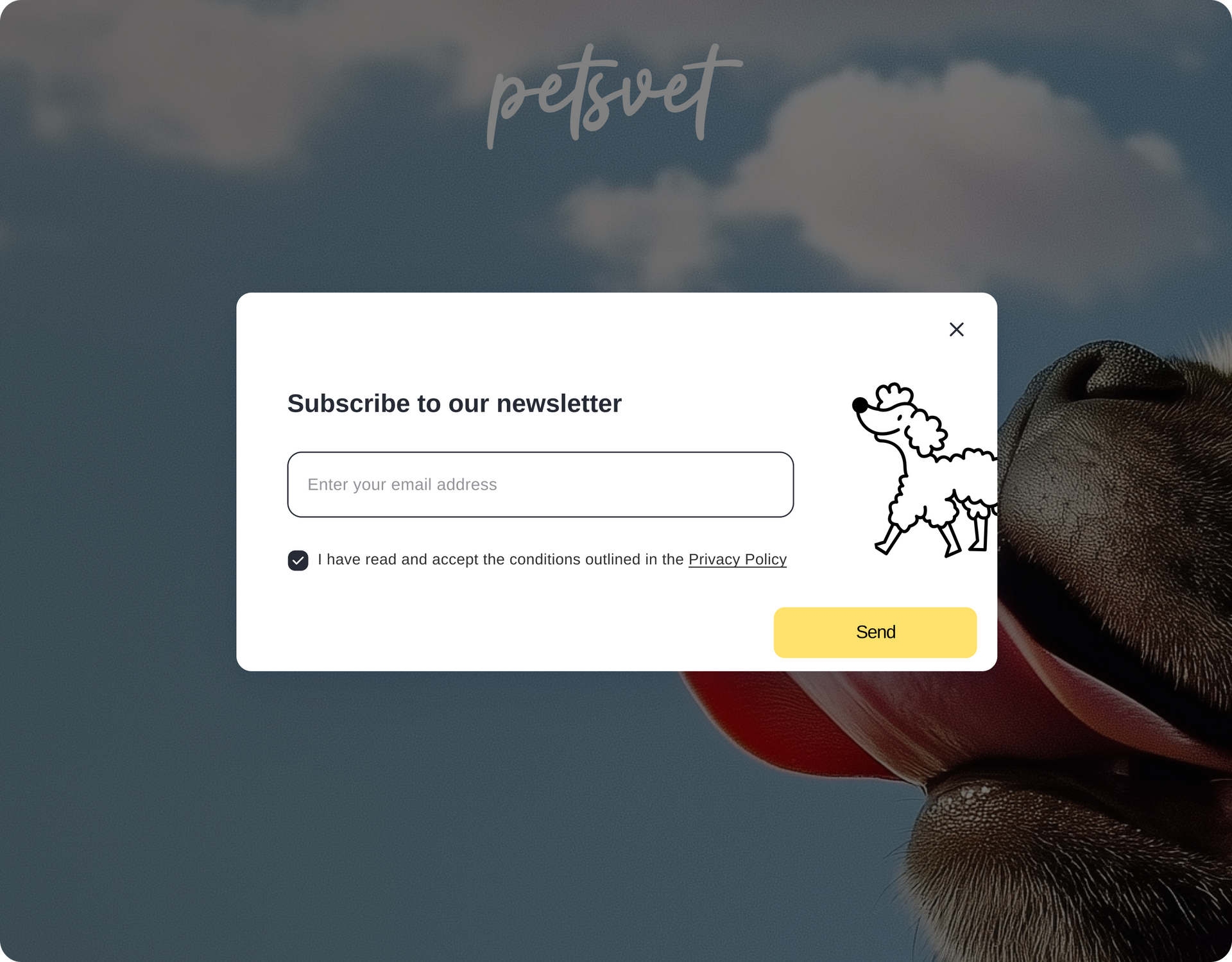
Meet the Advanced Form, our new advanced widget in Editor 2.0 with complete design freedom. Built on flex containers, you can customize forms without workarounds or third party tools, and add any widget you want: videos, images, maps, and more.
The new Advanced Form gives you much more than before:
You can now add inner columns and widgets inside the form for advanced layouts, add titles for sections, and edit the design (not just the text) of the post-submission thank you and error message- to perfectly match your site’s look and feel.
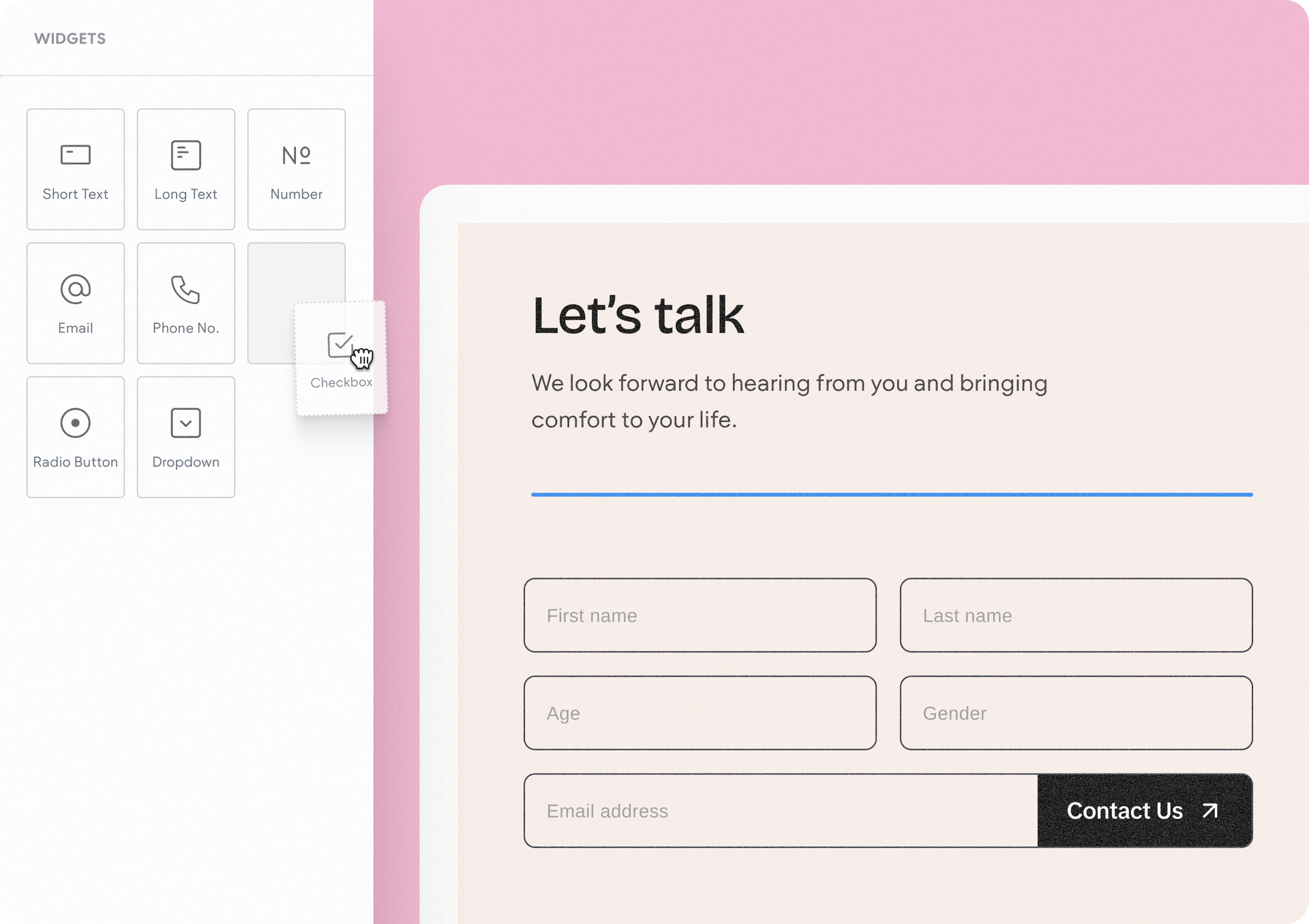
Drag and drop any widget you want into the form. This can be input widgets like radio buttons, checkboxes, and dropdown selections, and any other widget you want.
This means you can easily organize and reposition form fields within your form by simply dragging & dropping them around. The end result? You get to build anything you want, from simple one-line forms to surveys and lead generation flows.
The new Advanced Form is such a versatile design tool, you can put it into use on your site for so many purposes:


And so many others as well. Where to get started? You can find the Advanced Form and its related elements under the editor’s widgets panel > Advanced Widgets category.
This is just the first phase of what we intend the Advanced Form to be. It now lays the groundwork for the later phases we have planned - very soon we’ll add capabilities like multi-steps and additional field types (file attachment, date and time picker, etc.), with more powerful form options coming later on, so stay tuned…
•

Sign up to get feature releases, tools, and more to your inbox.